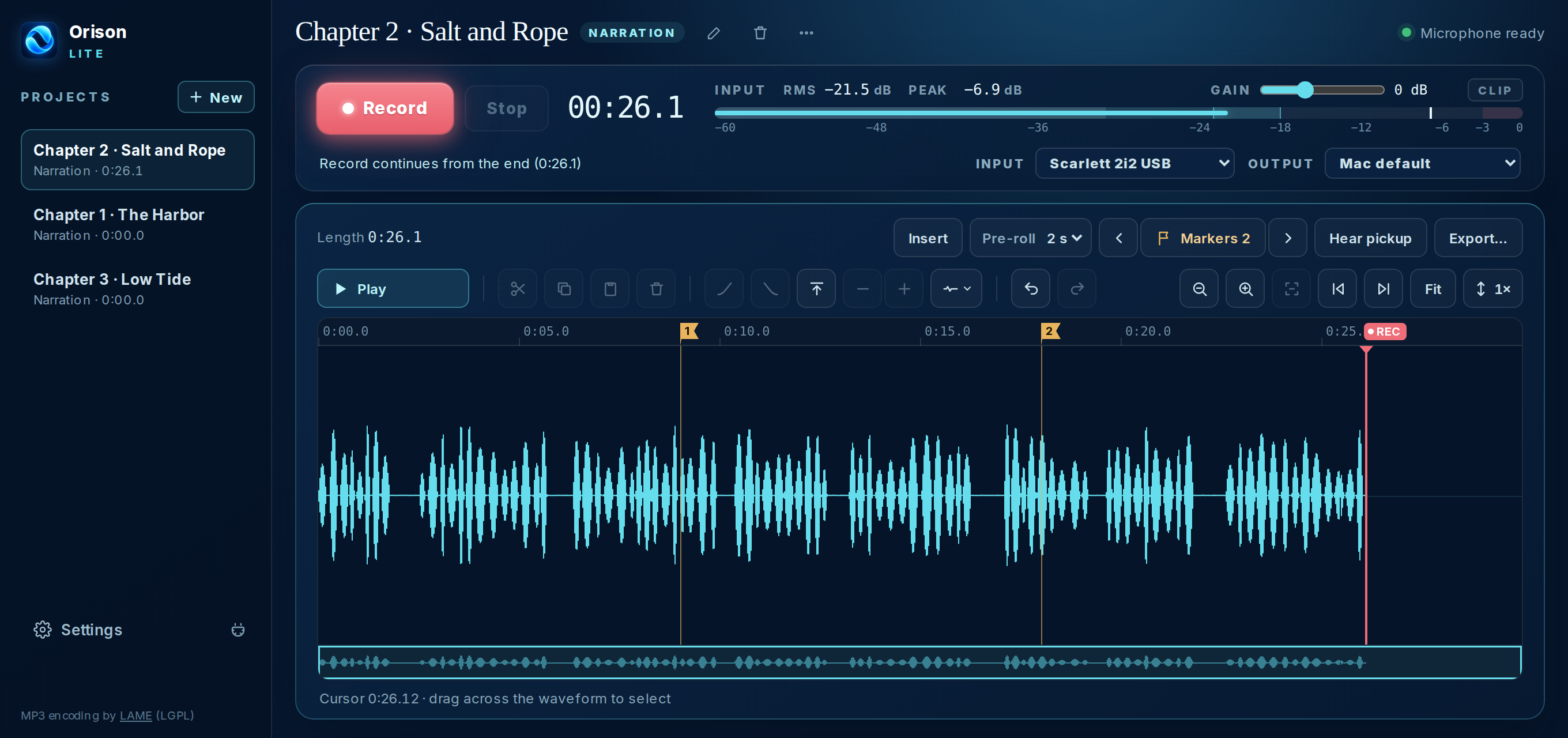
From capturing another performance to polishing a chapter and moving through it quickly, Orison keeps the essentials close.
Cleaner recording, by default
Orison now records straight from your interface’s own clock, which avoids the clicks and tiny skips that can happen when devices don’t agree. It checks itself every time your microphone opens, and quietly records the standard way if anything is off.
Takes mode: room for another performance
Made for voice actors recording alternate reads: capture multiple takes without replacing your other performances, review the saved take history, and choose the one you want. Takes save as you record, and an interrupted take can be recovered if Orison or your Mac stops unexpectedly.
Edit in your audio editor, then bring it back
Send a selection to iZotope RX, Adobe Audition, or another editor; save your changes there and return the edited audio to Orison with one click.
See when your recording hits the limit
A recording limiter and clear LIMIT indicator help you spot when your input level is too hot.
Put the level meter where you need it
Move the meter to the left side of the waveform for a more natural recording and editing layout.
Move through chapters faster
Jump with Home and End, zoom with the scroll wheel or a pinch gesture, and drag the playhead to the exact spot you need.
Faster MP3 export
A native encoder exports a 100-minute chapter in about a minute and a half.
Disk-space safety
Orison warns you before your drive runs low and stops safely, keeping everything recorded so far.
44.1 kHz by default
New projects start at the rate ACX audiobooks are delivered at. If your interface runs at a different rate, Orison offers to match it when you start a new project, so nothing has to be converted.
32-bit float option
Choose 16-bit, 24-bit (still the default) or 32-bit float for new recordings and WAV exports. 32-bit float can’t clip inside the file.
Recording controls for fine-tuning
Set the capture buffer (10 to 100 ms), see exactly what your interface is doing, and optionally use a pre-roll through the same engine that records.
A clock that tells you what you need
Idle, it shows the length of the whole narration. While recording, it shows the length of the recording you are making.